Do you need a working form or only a reading copy?
You must retain fillable fields, bookmarks and internal navigation
- List the fields and navigation you need, and keep the originals separately. PDF Desk blocks merging and export for documents containing these structures.
- If you have the authoring source, organize its content and navigation there and export again. With only a PDF, test a copy in an environment that explicitly supports the required structures. If you cannot verify that environment, deliver the originals separately.
- Change each field in a test copy, save, close and reopen it, and check the value and ability to edit again. Click each bookmark and internal link to confirm the correct page and position. Also check whether same-named fields unexpectedly share values.
You only need a reading copy with no further field entry
- Save the entered values in the original and reopen it first. Keep it while checking whether its authoring application can export a separate reading copy. Tell the recipient that this copy is not fillable.
- Field appearances may survive while entry stops working; bookmarks, links and tags can also change. Decide whether that loss is acceptable before proceeding and compare all values and page content. Choose the first path if navigation must remain.
- We do not recommend flattening or stripping structures to bypass PDF Desk’s block. If you cannot verify a reading copy that keeps the required content, retain and deliver the originals separately.
The observed result is structural loss in the page-copy experiment above. We have not tested successful merging, export or flattening in an external product or a particular version. Before choosing one, check its official preservation limits, cost and local-versus-upload processing. Reader link clicking for this specimen is NOT RUN; structure counts do not prove working navigation.
When it happens
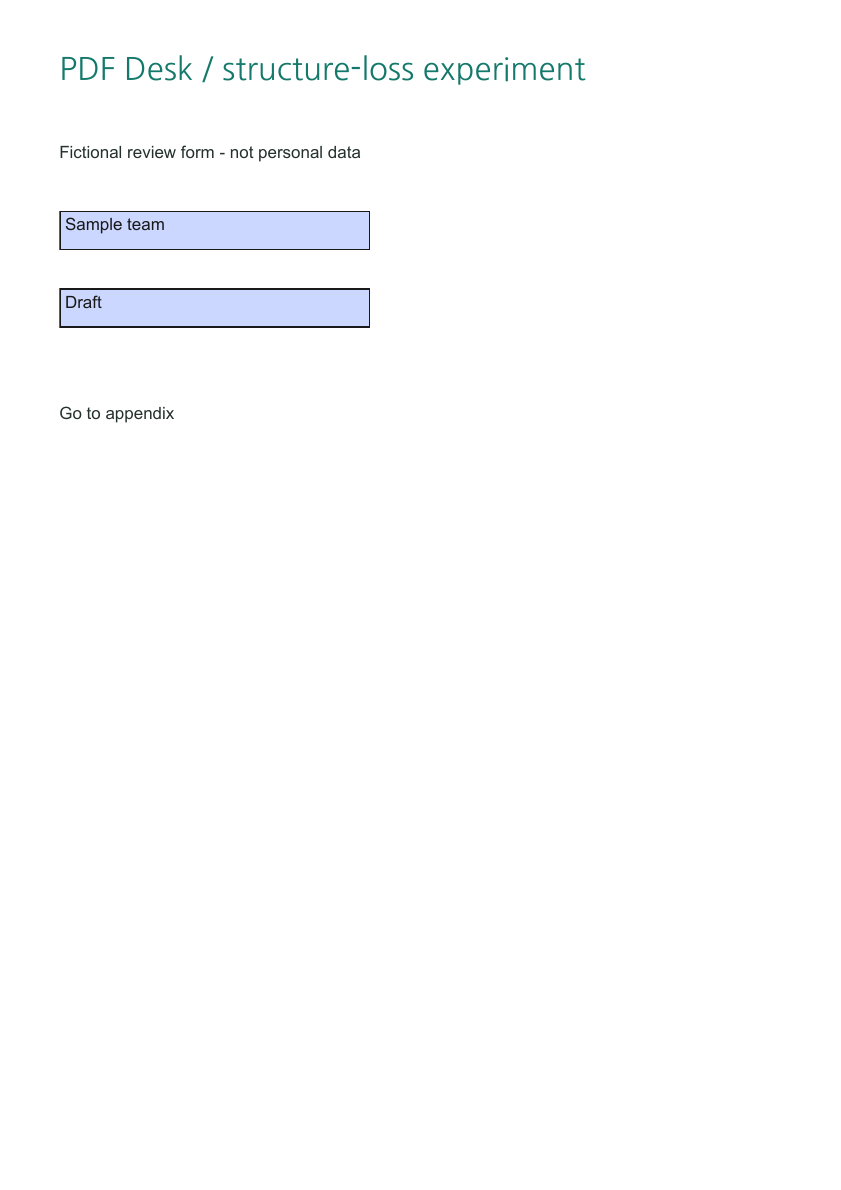
Form fields and bookmarks are more than page artwork. Our specimen has reviewer and status fields, two bookmarks and an internal link to an appendix. Moving pages does not by itself preserve all document-level relationships.
The deliberate failure experiment
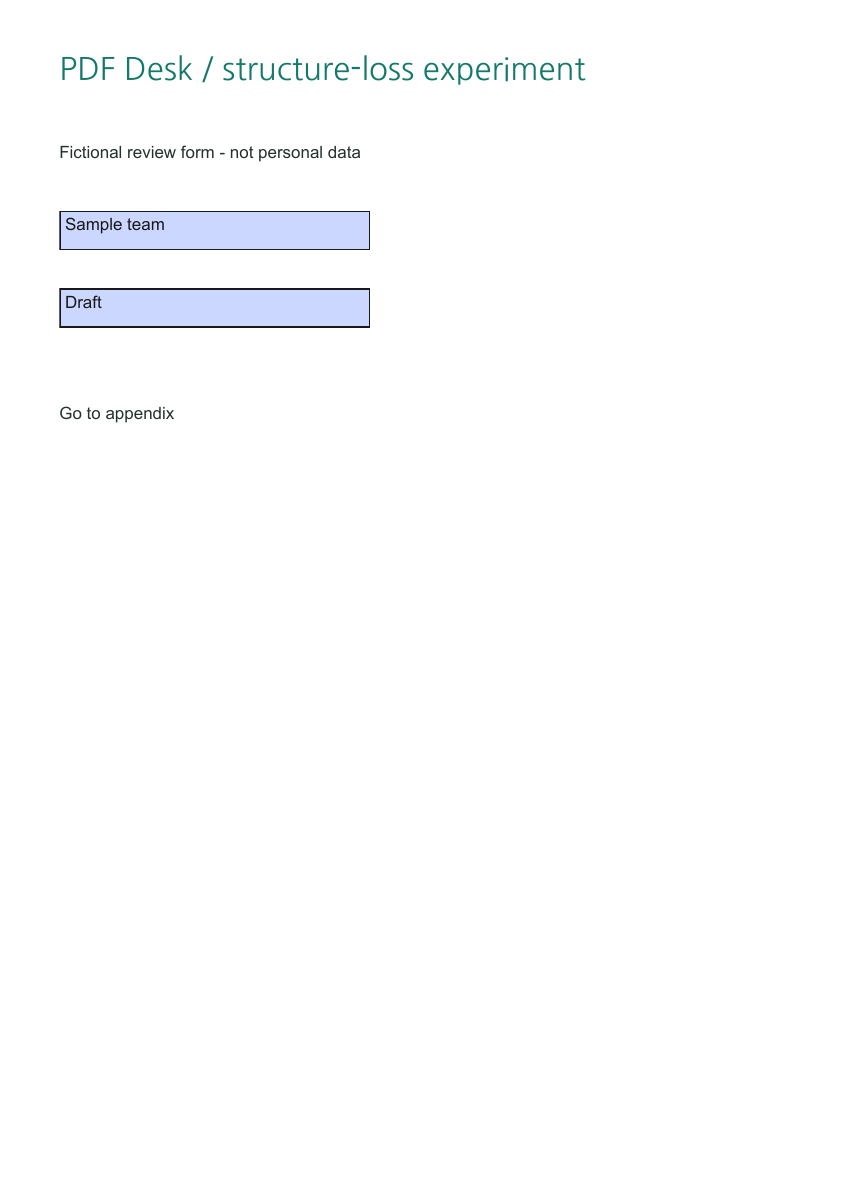
Separate experimental code copies a ReportLab source into a new PDF using pdf-lib copyPages alone. It deliberately bypasses the application safety gate. The table above records the structural loss found on reopening the saved file. Remaining widget or link annotations alone do not prove working fields or destinations.
Compare appearance and structure
- Check Sample team / Draft and the bookmarks in the original.
- Open the failure file only as an educational example. Do not use it as a working form.
- Compare field, outline and annotation counts in the inspection data. Test actual link navigation separately in your reader.
- Open the original in PDF Desk: AcroForm, Outlines and Annotations prevent export.
Prevention and limits
PDF Desk does not flatten fields or strip tags to bypass its restrictions. This observation concerns one source and one page-copy method, not every PDF merger. Retaining page appearance and retaining entry or navigation functions are separate checks.
Files to inspect yourself
- Original form with fields and bookmarks (forms-source.pdf)
- [Educational failure] Educational failure · copied pages (FAILURE-page-copy.pdf)
Crop coordinates, scale, source hashes and fresh extraction · Rechecked: 2026-10-24 · pdftoppm version 26.07.0 · pypdf 6.10.0 · pdfplumber 0.11.9. Original PDFs were not modified.
Environment, date and evidence boundaries
Checked: 2026-10-23 · Windows / Chrome 155 · pdf-lib 1.17.1 · PDF.js 6.4.299 · fontkit 1.1.1 · pypdf 6.10.0 · pdftoppm version 26.07.0. PDFs and artwork are original; NanumGothic uses OFL-1.1. Tables and files record direct observations; explanations interpret those structures. Physical OS keyboard input, phones and every PDF reader are outside this test.
Reproduction code: scripts/lab-inputs.py, lab-outputs.mjs, lab-derived.py, tests/readiness-browser.mjs and tests/lab-pdf.py.